

Product photo to video
Turn your product photos into a video ad
You already have product photos. Adreelo turns them into a finished video ad, with movement, voiceover and music, from one sentence describing what you want.
Try it free. No card needed.
How this ad was made
Two steps: a realistic start image, then a short video prompt. Both prompts are shown exactly as used.
Start with a realistic image
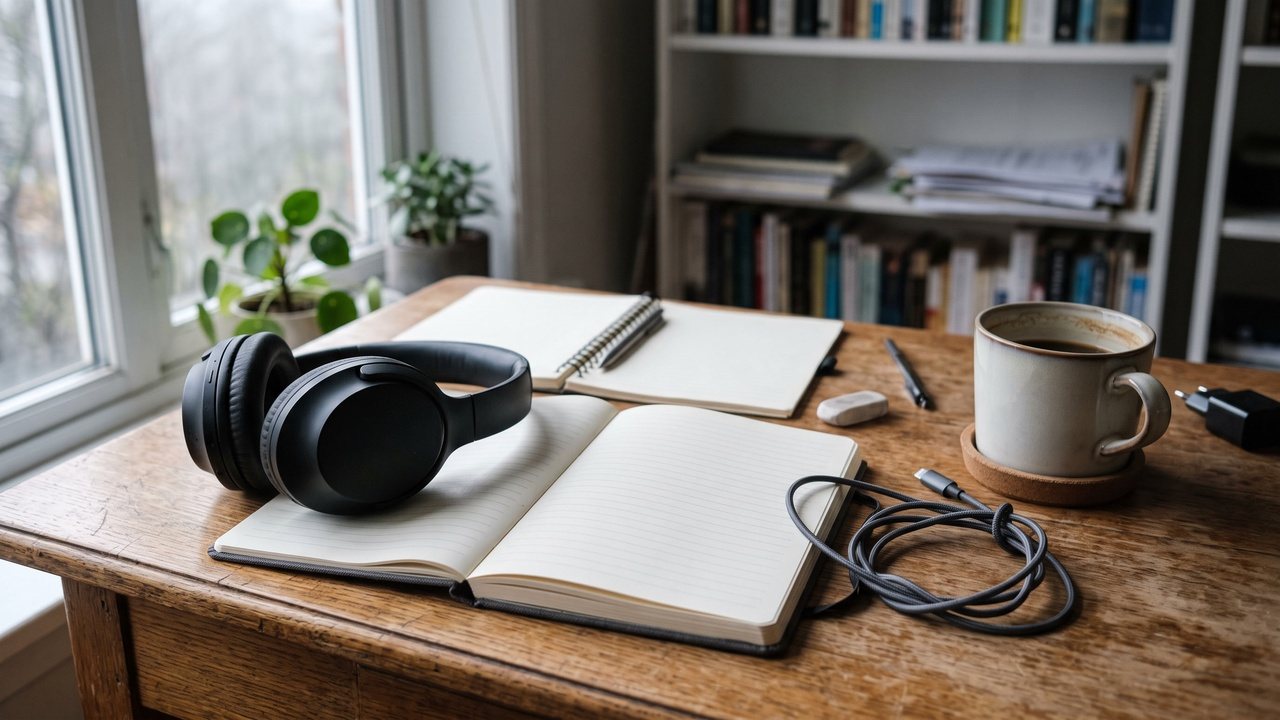
Image prompt
Converted into an ad with Adreelo
Video prompt · 16:9 · 5 s
How it works
- 01
Upload your photos
Add the product photos you already use on your store. Phone photos work.
- 02
Describe the ad
One or two sentences: what the product is, who it is for, and the feeling you want.
- 03
Get your video
A finished ad with voiceover and music, ready to download in minutes.
What makes photos work well
Clear, well-lit photos
The video is built from your photos. Sharp, evenly lit shots give the cleanest result.
A few angles
Front, side and a close-up let the video move around the product naturally.
Plain or real backgrounds
A clean backdrop or a real setting both work. Avoid busy collages and text on the photo.
Say what should happen
Describe the shot you want to see, like "slow turn on a marble table, soft morning light".
Questions
How many photos do I need?
One photo is enough to start. Two to four photos from different angles usually give a better, more accurate video.
Can I use photos taken on my phone?
Yes. Sharp, well-lit phone photos work well. Blurry or very dark photos make the video less accurate.
Does the video come with voiceover and music?
Yes. Every ad comes with a voiceover and music, so it is ready to post.
How long does it take?
Usually a few minutes. You can keep working in the app while it renders.
Try it on your own product
You can try it free. Credit packs start at $9.99, paid once, with nothing to cancel. See pricing.